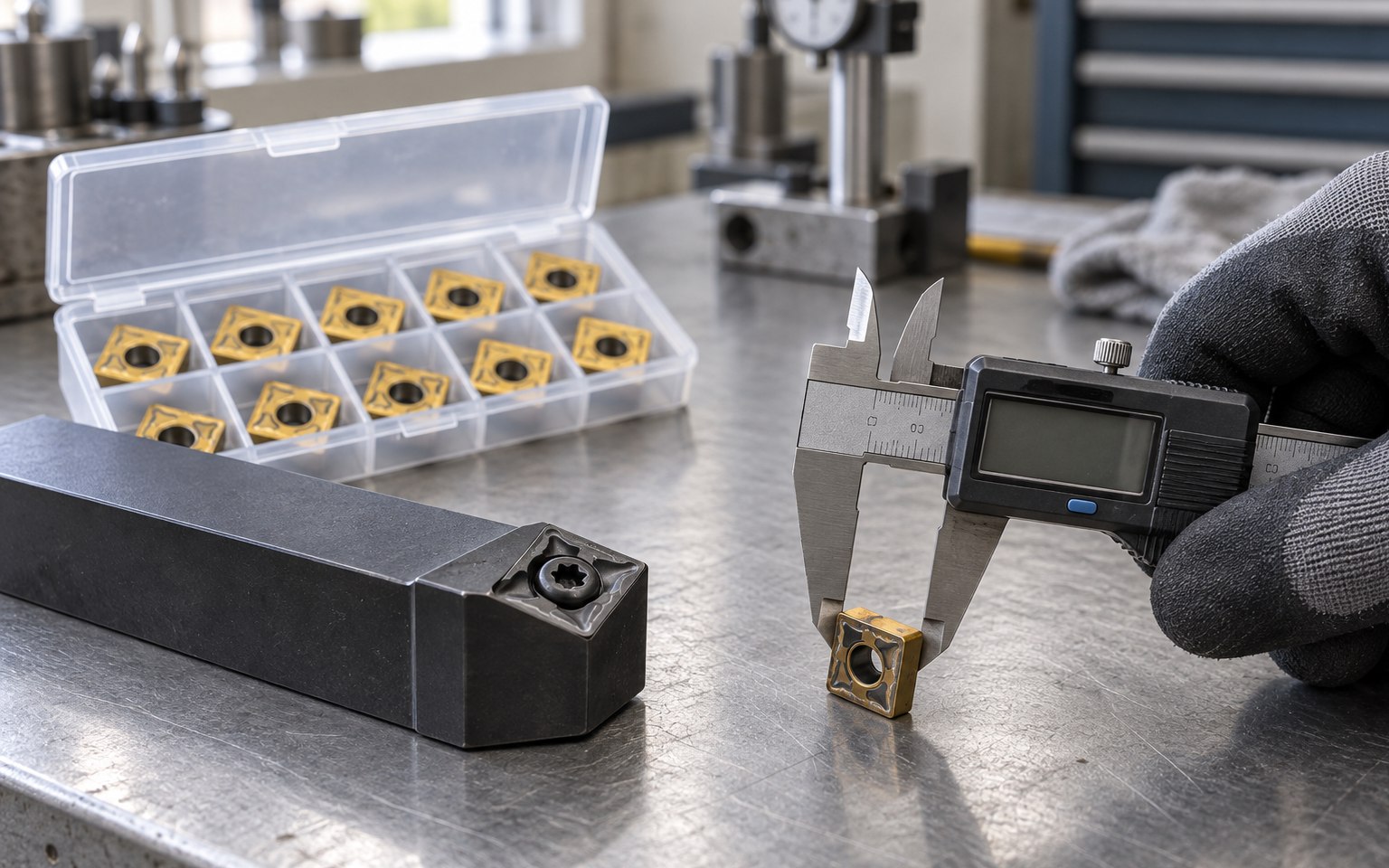
Replace a Tool I Already Use
Send the current model code, label photo or tool image. We will check the tool family, critical dimensions and matching holder or cutter.
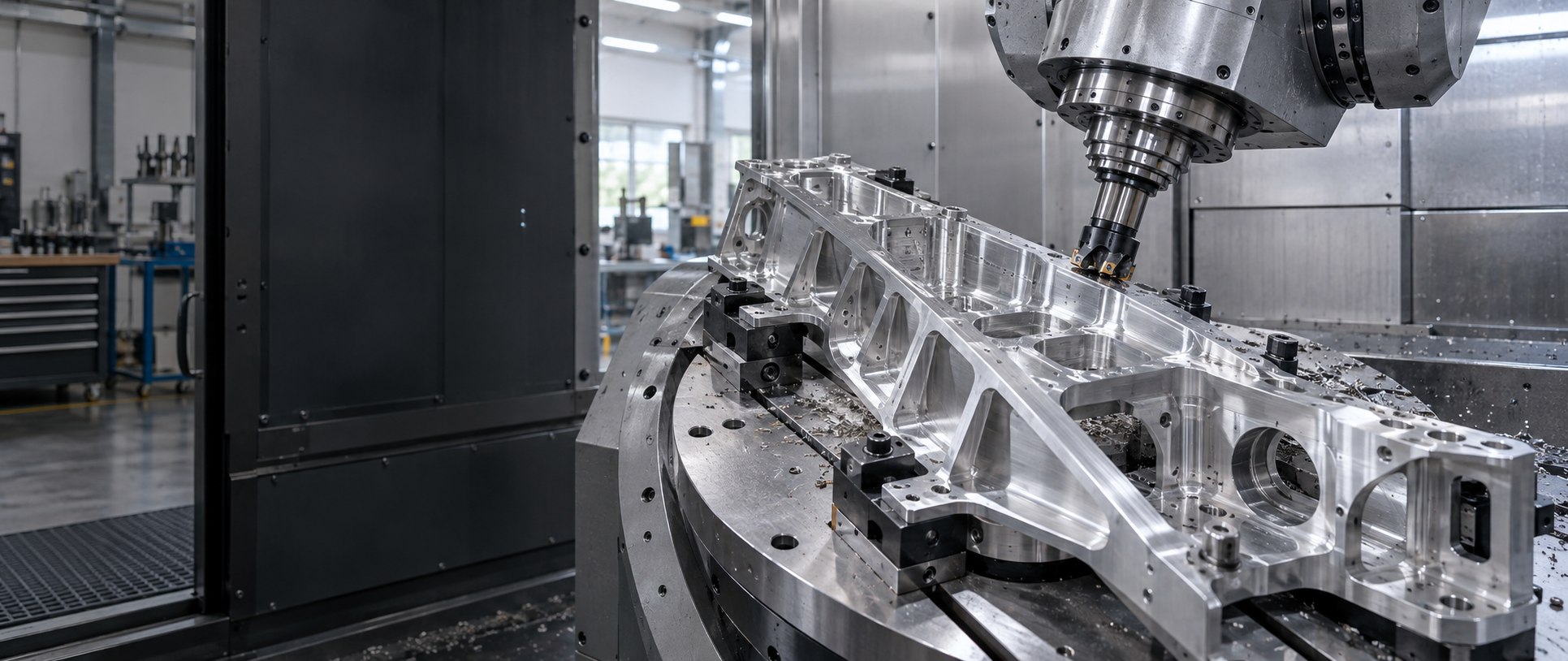
Model code · drawing · material · machining problem
Send a model code, drawing, workpiece material or machining problem. We will check compatibility, narrow the tool family and confirm what can be quoted.
Complete specifications are not required.You do not need to identify the exact grade or geometry first. Choose the situation closest to your job and send the information already available.
Send the current model code, label photo or tool image. We will check the tool family, critical dimensions and matching holder or cutter.
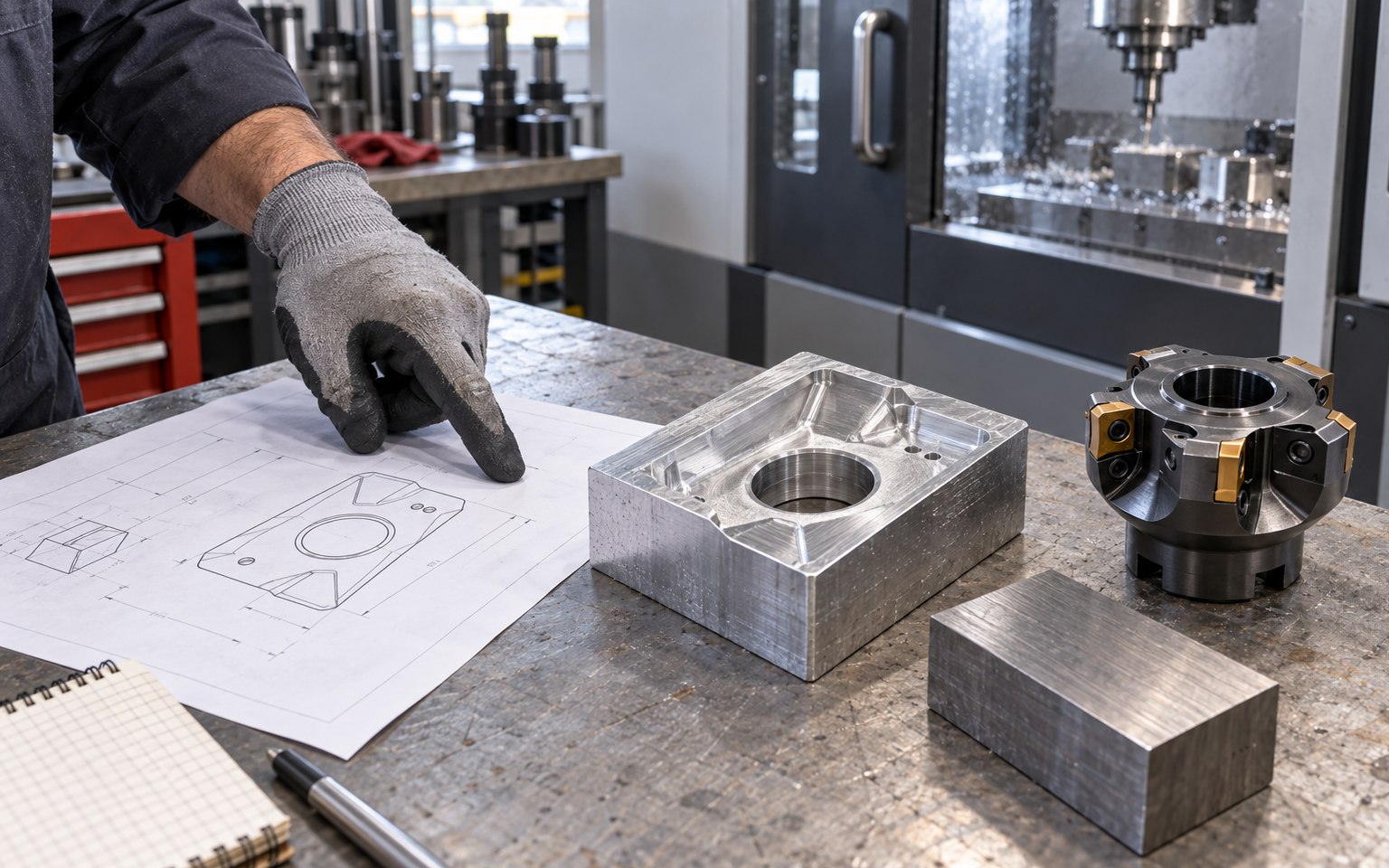
Start with the operation, workpiece material or drawing. The machine, holder and full specification can be confirmed during the review.
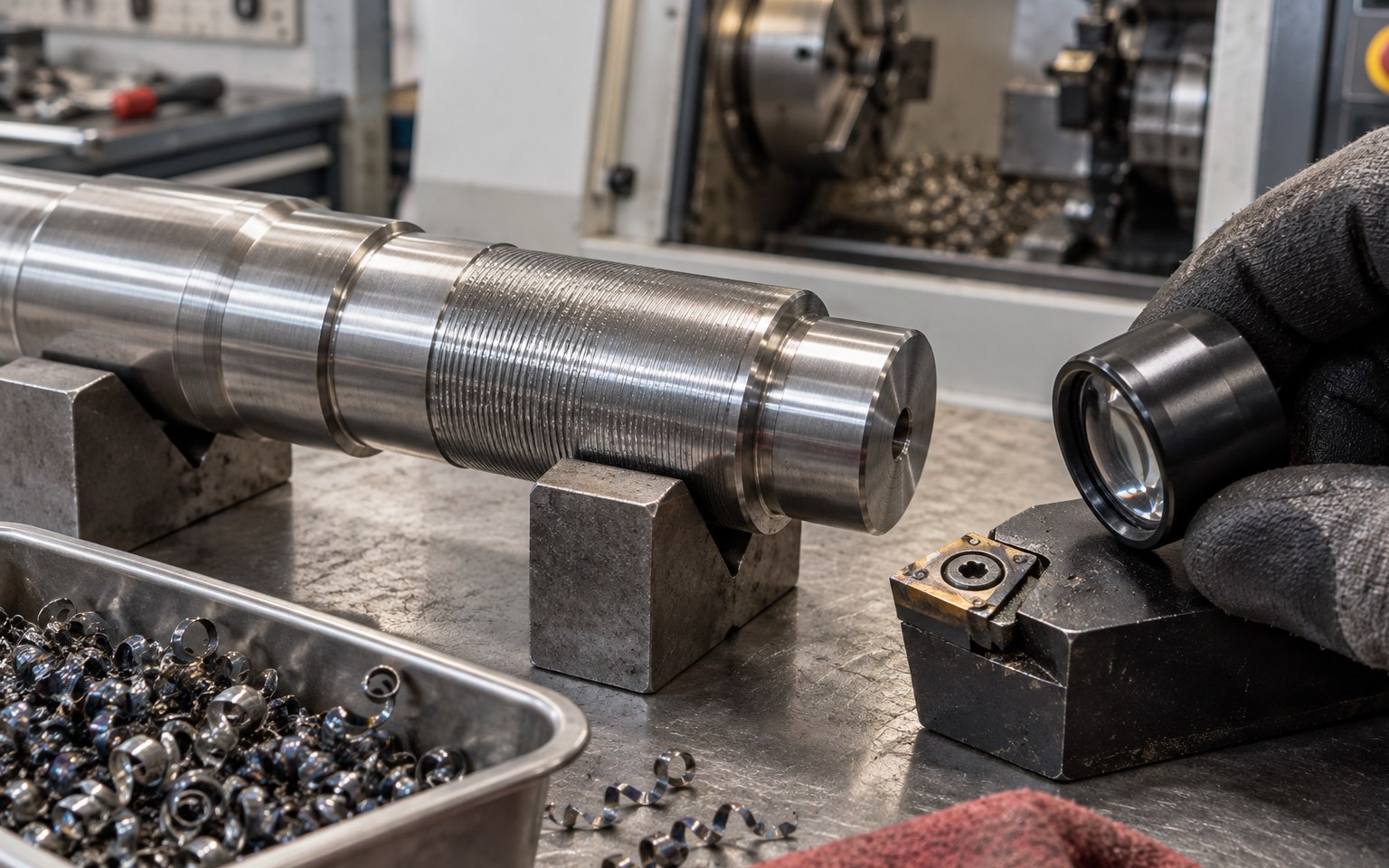
Choose chatter, chipping, burrs, poor finish, chip control or short tool life. Add a photo and current conditions if they are available.
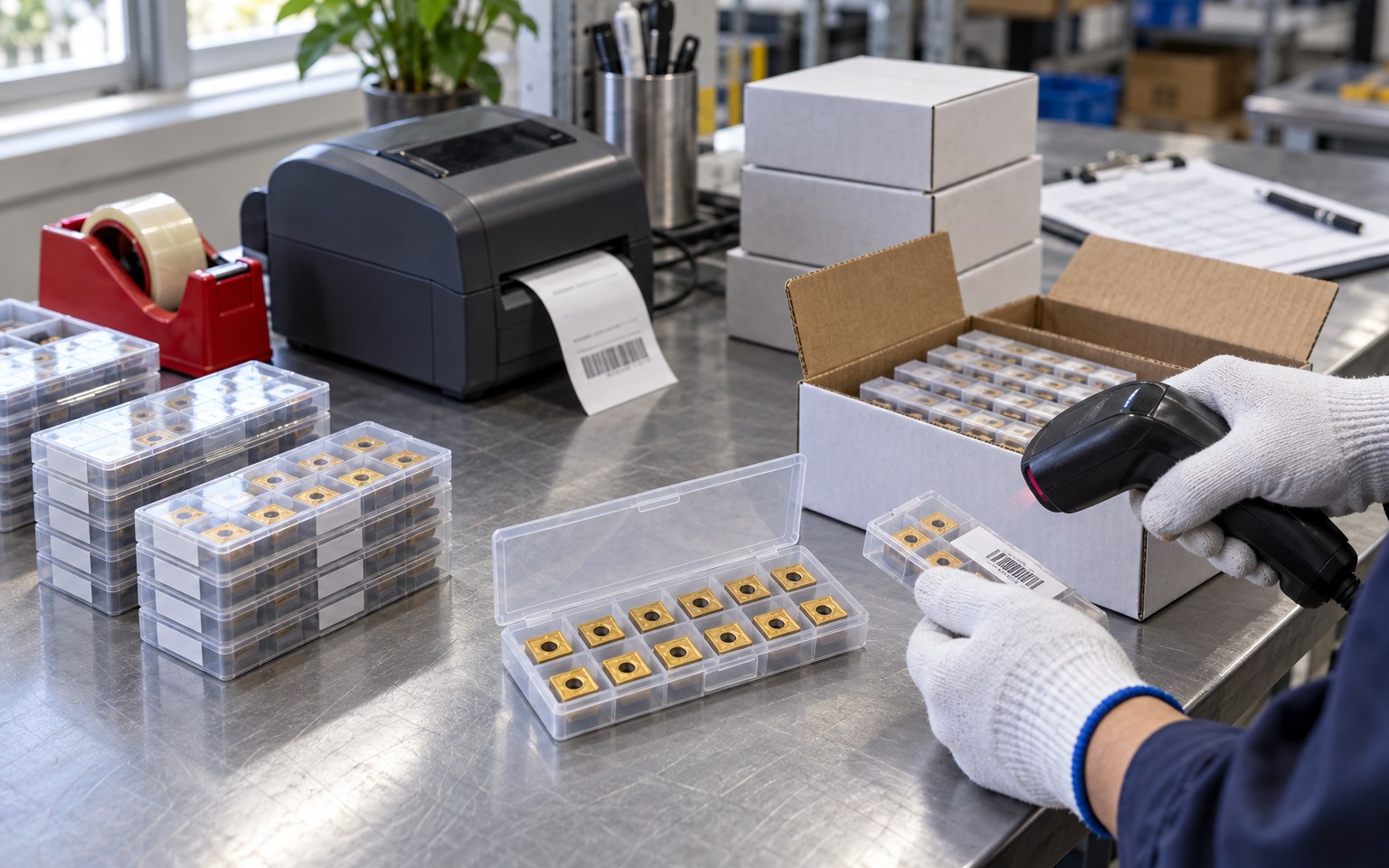
Send the approved model, quantity and delivery target. We will confirm availability, packing, labels and batch requirements before quotation.
Buyer-focused support
Each route ends with a usable specification or a clear list of what still needs checking. It is not a promise that one product fits every application.
For buyers who already have an insert, holder, cutter or drill-body code and need a compatible supply option.
For a new part, process change or incomplete specification. Start with the drawing and the machining operation.
For chatter, edge chipping, built-up edge, burrs, poor finish or tool life that does not meet the target.
For uncertainty about whether an insert fits a holder, a cutter pocket, a drill body or a machine-side interface.
For comparing a new grade, geometry or supplier without committing to a full production quantity.
For purchasing teams that need stable replenishment, batch records, neutral packing or private-label coordination.
Technical support
The goal is not to overwhelm a buyer with theory. These guides help you recognize the information that changes the recommendation, then carry that context into the inquiry.
Tool selection
Start from the operation, workpiece material, machine and target result—not from a product photo alone.
Browse tool familiesGrade selection
Narrow substrate, coating and edge preparation according to the ISO material group, cut condition and failure mode.
Code guide
Understand the shape, clearance, tolerance, size, thickness and nose-radius positions before comparing codes.
See a compatibility exampleStarting conditions
Build a starting range from the exact tool, grade, workpiece material, engagement and machine stability.
Problem solving
Separate overhang, workholding, runout, engagement and cutting-data causes before changing the insert.
Read the chatter guideMaterial route
Move from ISO P, M, K, N, S or H material group to an operation-specific tool and grade shortlist.
Application context
Industry tells us the quality and documentation context. The actual tool choice still depends on the feature, material, machine, holder and cutting conditions.
Turning, milling, drilling and threading support for shafts, housings, hubs and aluminum structural parts.
Tooling review for aluminum structures, heat-resistant alloys and precision features where stability and traceability matter.
Roughing, semi-finishing and finishing routes for cavities, profiles and hardened materials.
A practical route for mixed jobs, small batches, urgent replacements and incomplete incoming specifications.
Tool and insert selection for larger components, interrupted cuts, deep features and demanding workpiece materials.
A shorter inquiry path
Four steps keep the buyer from repeatedly entering the same information.
A model code, label photo, tool image, part drawing or a plain-language description of the problem.
We check the operation, workpiece material, machine interface, current setup and the result you need.
We clarify compatibility, the items available for quotation and any sample or production requirement.
The agreed code, grade, geometry, quantity, packing and batch information can support the next order.
A model code, photo, drawing or plain-language description is enough for the first review. Missing details can be confirmed afterward.
Before you inquire
Answers reflect the current verified supply policy. Final availability and suitability still depend on the exact specification.
Yes. Send the clearest information available. We first identify the tool family and critical dimensions, then ask only for the missing details that can change compatibility.
Mainstream turning, milling, grooving and threading insert families are supported, including CNMG, WNMG, TNMG, APMT, MGMN, 16ER and 16IR series. Exact grade, geometry and stock are confirmed against the requested code.
Standard stock items normally start from one box. General models may be evaluated with a small sample quantity; special grades, coatings or custom specifications require a separate review.
The complete specification, grade or coating, quantity, packing requirement, destination and delivery timing all affect the final quotation.
Confirmed stock normally dispatches in 1–3 working days. Standard production is normally 7–10 days, while deeper customization can require 15–25 days. The actual lead time is reconfirmed before order placement.
Dimensional inspection reports can be provided by order batch. Products can carry batch identification, and pre-shipment photos or short videos can be supplied when agreed.
Start with one useful detail
We will turn it into a clearer tooling request and confirm what can be quoted.